Deploy a Gin App
Gin is a high-performance web framework for Go (Golang) that provides a martini-like API while being significantly faster (up to 40 times) due to its use of httprouter. It's designed for developers seeking both speed and productivity.
This guide covers how to deploy a Gin app on Railway in four ways:
One-click deploy from a template

It is highly recommended that you eject from the template after deployment to create a copy of the repo on your GitHub account.
Note: You can also choose from a variety of Gin app templates created by the community.
Deploy from a GitHub repo
To deploy a Gin app on Railway directly from GitHub, follow the steps below:
- Fork the basic Gin GitHub repo.
- If you already have a GitHub repo you want to deploy, you can skip this step.
- Create a New Project.
- Click Deploy from GitHub repo.
- Select the
ginor your own GitHub repo.- Railway requires a valid GitHub account to be linked. If your Railway account isn't associated with one, you will be prompted to link it.
- Click Deploy Now.
Once the deployment is successful, a Railway service will be created for you. By default, this service will not be publicly accessible.
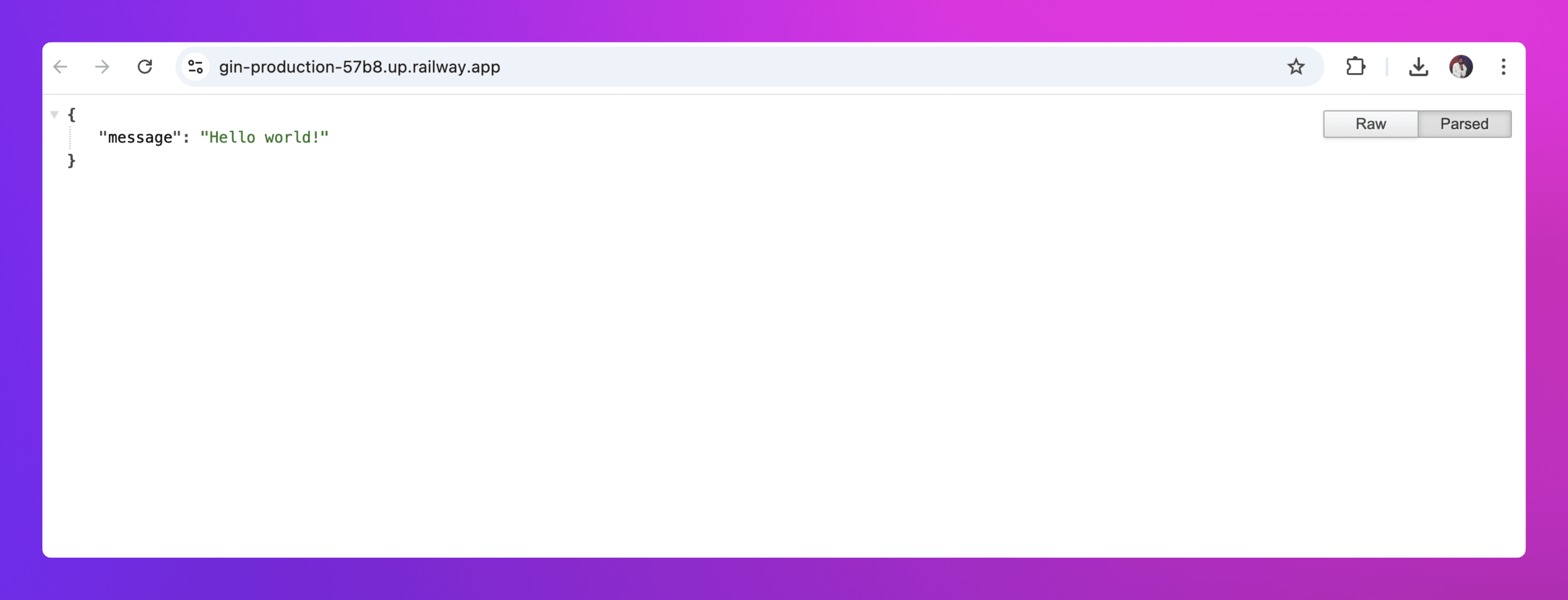
To set up a publicly accessible URL for the service, navigate to the Networking section in the Settings tab of your new service and click on Generate Domain.
Deploy from the CLI
- Install and authenticate with the CLI.
- Clone the forked gin GitHub repo and
cdinto the directory.- You can skip this step if you already have an app directory or repo on your machine that you want to deploy.
- Run
railway initwithin the app directory to create a new project. - Run
railway upto deploy.- The CLI will now scan, compress and upload your gin app files to Railway's backend for deployment.
Use a Dockerfile
-
Clone the forked
ginrepo andcdinto the directory.- You can skip this step if you already have an app directory or repo on your machine that you want to deploy.
-
Create a
Dockerfilein theginor app's root directory. -
Add the content below to the
Dockerfile: -
Either deploy via the CLI or from GitHub.
Railway automatically detects the Dockerfile, and uses it to build and deploy the app.
Note: Railway supports also deployment from public and private Docker images.
Next steps
Explore these resources to learn how you can maximize your experience with Railway: